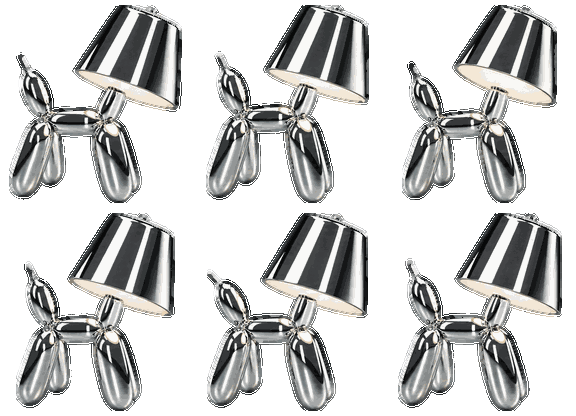
Balloon Dog for Codex
A free pet from the studio, with everything you need to install it.
Download ZIP ↓Let Codex install your pet
Codex can put the pet’s files in the right place for you. Then just select your new companion.
- Download and unzip the archive.
- Open a local task in the Codex app. Send the message below, replacing the bracketed text with the full path to the extracted folder.
Install the ready-made Balloon Dog pet from this package in my local Codex app. Check pet.json and spritesheet.webp, then copy the chromik-lamp-dog folder into the app’s pets directory, preserving the original files. If the pet is already installed, compare the files first and ask before replacing any that differ.
Package folder: [insert the full path to the extracted folder] - Wait for Codex to confirm installation. If it requests access to the pets folder, allow it for this installation.
Open the pet settings, refresh the list, and select Хромик. If it does not appear, restart the app.
Install manually
Copy the entire chromik-lamp-dog folder into the pets directory:
macOS / Linux
Windows
~/.codex/pets/Windows
%USERPROFILE%\.codex\pets\Keep pet.json and spritesheet.webp together inside the chromik-lamp-dog folder.